
Spreadsheets are everywhere—budgets, reports, surveys, and tracking sheets. They store valuable information, but they aren’t always easy to understand. When a file grows beyond a few rows, finding what actually matters often takes longer than expected. You scroll through columns, apply filters, scan formulas—and still feel unsure whether you’ve seen the big picture.
That’s why more people are turning to AI to summarize Excel, CSV, and Google Sheets files. Instead of analyzing raw data cell by cell, AI tools help surface key patterns, categories, and takeaways first. This article compares 6 AI spreadsheets summarizers, so you can choose the approach that best fits your workflow.
What Is an Excel/CSV Summarizer?
An Excel or CSV summarizer is a tool that helps you understand spreadsheet data without reading it row by row. Instead of focusing on individual cells, it looks at the structure and content of the file to surface what matters most—such as key metrics, categories, trends, or unusual values.
In practice, summarizing a spreadsheet usually answers questions like:
- What are the most important numbers or columns here?
- Are there clear patterns, changes, or outliers in the data?
- What should I pay attention to before making a decision or sharing this file?
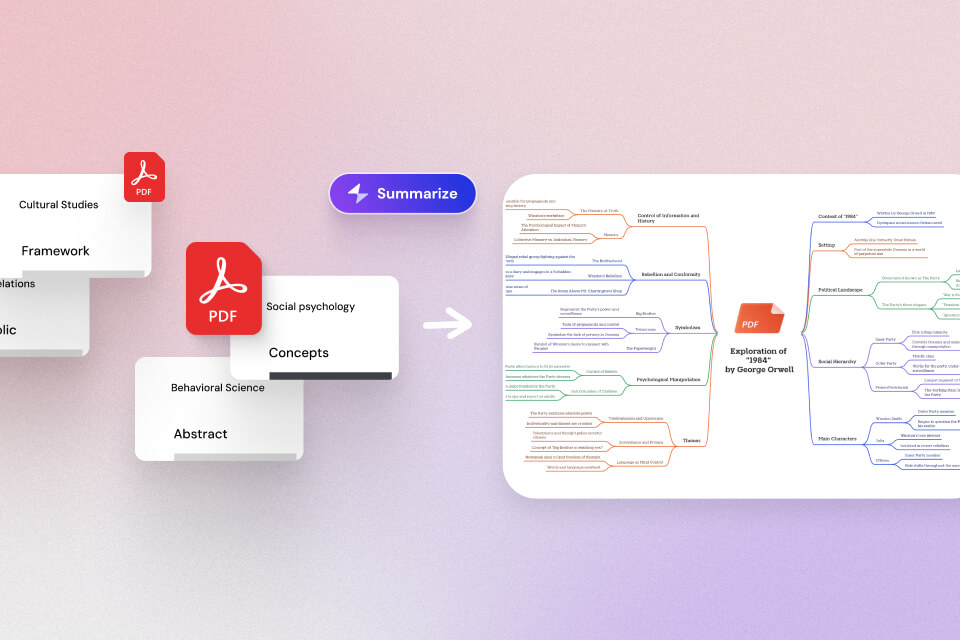
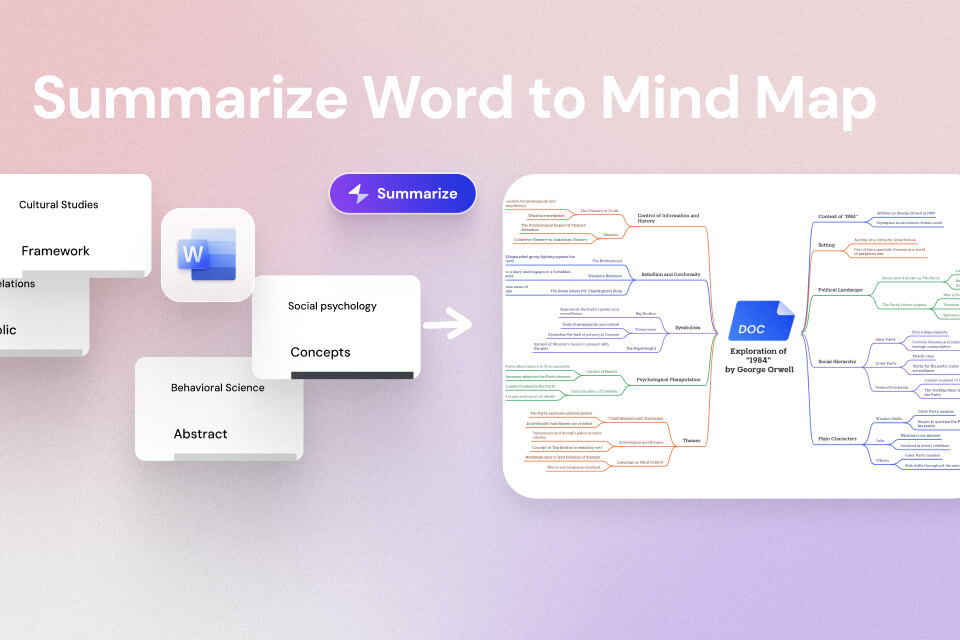
Depending on the tool you use, the output of an Excel or CSV summarizer can take different forms. Some generate short text explanations or bullet lists, others suggest charts or visual summaries. More visual tools may organize the data into structures like mind maps, helping you see how different parts of the spreadsheet relate to each other.
The goal isn’t to replace spreadsheets, but to make them easier to understand—especially when time is limited or when the file was created by someone else.
Top 6 Ways to Summarize Excel, CSV & Google Sheets with AI
1. Mapify (Visual Mind Map Summaries)
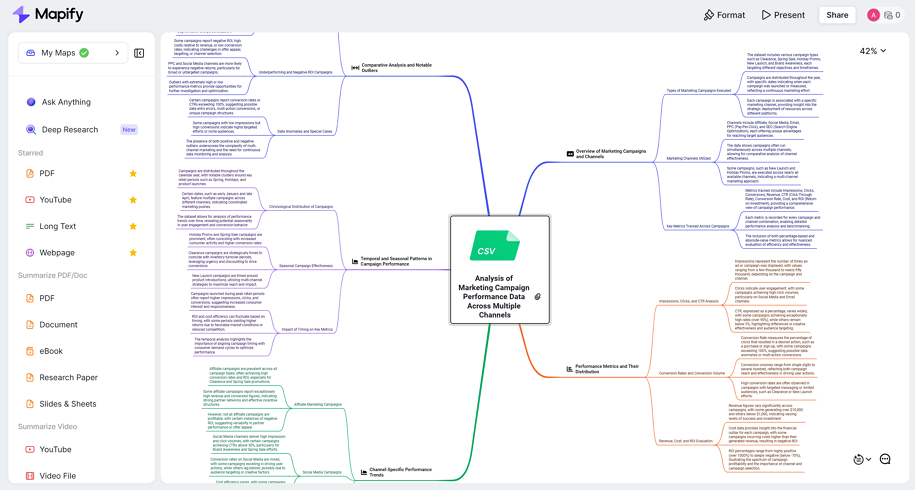
Mapify approaches spreadsheet summarization from a visual perspective. Instead of focusing on rows and formulas, it turns Excel, CSV, and Google Sheets data into structured mind maps that highlight key categories and relationships.
After uploading a spreadsheet, Mapify organizes major data groups into branches, with sub-branches showing important metrics or details. This makes it much easier to understand how different parts of the data relate, especially when reviewing files you didn’t create yourself.
Pros
- Clear visual overview of complex spreadsheets
- Easy to explain insights to others
- Works well for non-technical users
Cons
- Not designed for editing formulas or calculations
Best for: Understanding and communicating spreadsheet insights
Instantly turn your content into mind maps with AI
Get Started Now2. Google Sheets (Built-in AI & Smart Features)
Google Sheets includes built-in tools like Explore and AI suggestions that help summarize data. These features can automatically generate charts, highlight trends, and answer basic questions about your sheet.
Since this works directly in Sheets, it’s often the fastest way to get a quick overview without leaving your workflow.
Pros
- No extra tools required
- Fully integrated into Google Sheets
- Good for quick charts and summaries
Cons
- Limited explanation of context or relationships
- Primarily surface-level insights
Best for: Fast, in-app spreadsheet summaries
3. Microsoft Excel Copilot
Excel Copilot is Microsoft’s AI assistant built directly into Excel. It lets users ask natural-language questions about their spreadsheets, generate summaries, and explain trends or calculations on demand.
This is especially useful for financial models, forecasts, and operational reports where formulas matter.
Pros
- Deep integration with Excel and formulas
- Strong for business and financial analysis
- Natural language interaction
Cons
- Requires enterprise or Copilot-enabled Microsoft 365 plans
- Less focused on visual storytelling
Best for: Advanced Excel users and business analysis
4. ChatGPT (Upload or Paste Spreadsheet Data)
ChatGPT can summarize Excel or CSV files when you upload them or paste data directly into the chat. This method is very flexible and works well when you want custom explanations, step-by-step logic, or answers to specific questions.
However, the quality depends on how the spreadsheet content is formatted and how clearly the task is described.
Pros
- Flexible and conversational interface
- Good for custom logic and detailed explanations
Cons
- No native spreadsheet structure or visuals
- Requires manual context setup
Best for: Ad-hoc explanations and custom queries
5. Knowt AI Spreadsheet Summarizer
Knowt’s AI spreadsheet summarizer is designed for learners and knowledge workers who want study-oriented summaries and retention support from spreadsheet data. Knowt focuses on extracting key concepts, high-impact insights, and presenting them in a way that aligns with learning or review.
The tool complements traditional summarizers by delivering structured outputs that emphasize terms, definitions, and key trends.
Pros
- Tailored for comprehension and retention
- Good for education and study workflows
- Presents insights in context-friendly formats
Cons
- Less suited for deep business reporting
- Visual structuring is more limited than mind map tools
Best for: Students and learners working with spreadsheet data
6. GPTExcel
GPTExcel is a dedicated platform for AI-powered spreadsheet analysis and summarization. It’s built specifically to understand Excel structures, formulas, and table layouts—and then generate summaries, insights, or narrative explanations from that data.
Instead of a basic text dump, GPTExcel tries to interpret formula logic and numeric relationships as part of its summary output.
Pros
- Designed for spreadsheet logic and formula interpretation
- Produces narrative summaries from data
- Works with both Excel and CSV formats
Cons
- Outputs are mainly text-based
- May require quality data formatting for best results
Best for: Detailed text explanation of spreadsheet logic
Comparison Table: AI Ways to Summarize Spreadsheets
| Method | File Types | Output Style | Best For | Limitations |
|---|---|---|---|---|
| Mapify | Excel, CSV, Sheets | Visual mind maps | Understanding & sharing insights | No formula editing |
| Google Sheets AI | Sheets | Charts & text | Quick in-app insights | Limited context |
| Excel Copilot | Excel | Text summaries & explanations | Business analysis | Paid plans |
| ChatGPT | Excel, CSV | Text summaries | Custom queries | Manual setup |
| Knowt AI Summarizer | Excel, CSV, Sheets | Concept summaries | Learning & retention | Less visual detail |
| GPTExcel | Excel, CSV | Narrative text | Formula interpretation | Text only |
Instantly turn your content into mind maps with AI
Get Started NowFAQ: Summarizing Excel, CSV & Sheets with AI
Can AI really summarize Excel or CSV files accurately? Yes, especially when the spreadsheet has clear headers and consistent formatting. Clean data produces the most reliable summaries.
Which spreadsheet types are best for AI summarization? Financial data, sales reports, survey results, and tracking/operational logs tend to work well. Files with inconsistent structures may need minor cleanup first.
Do visual summaries work better than text summaries? Visual summaries (like mind maps) help with understanding structure and relationships, while text summaries are good for detailed explanations. The best choice depends on your goal.
Can I summarize just part of a spreadsheet? Yes. Many tools let you focus on specific sheets or selected columns without summarizing the entire file.
Is AI summarization useful for people who don’t know Excel well? Absolutely. These tools reduce the need for manual formulas or advanced spreadsheet skills, making data insights more accessible.
Can these tools handle big spreadsheets? Most can manage typical business or survey datasets. Extremely large tables may require splitting or pre-processing for optimal performance.
Conclusion
There’s no single “best” way to summarize Excel, CSV, or Google Sheets files. The right method depends on what you need—quick checks, deeper explanations, learning insights, or visual understanding.
Built-in tools are great for fast, in-app summaries. Chat tools help answer custom questions. Tools like Knowt and GPTExcel are strong for narrative comprehension. And when understanding and communication matter most, visual summaries from Mapify truly stand out.
By turning spreadsheets into clear takeaways—whether visual or textual—AI summarization helps you move from raw data to real insight faster and with less effort.
Instantly turn your content into mind maps with AI
Get Started Now



.png)