
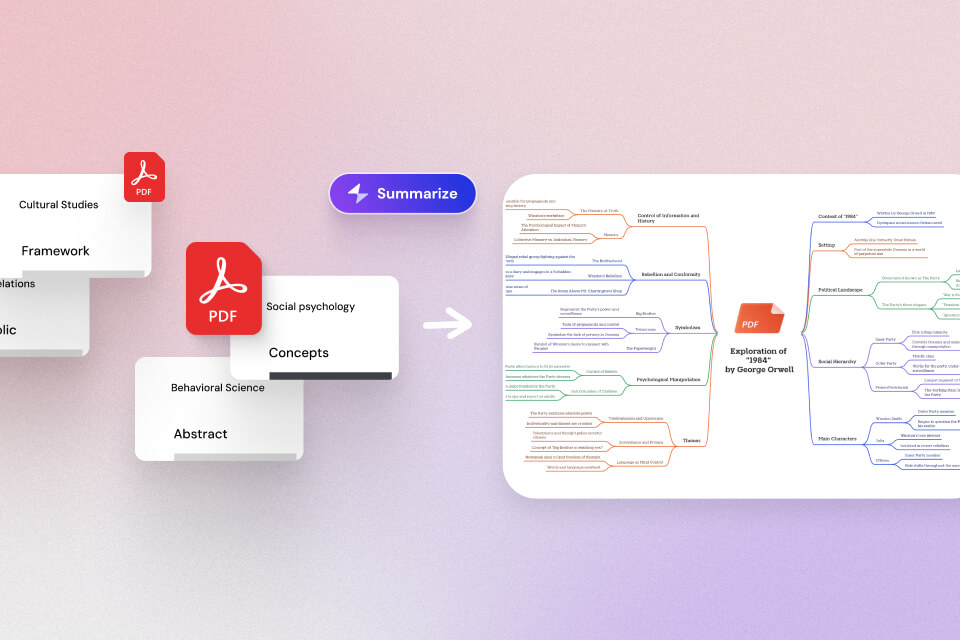

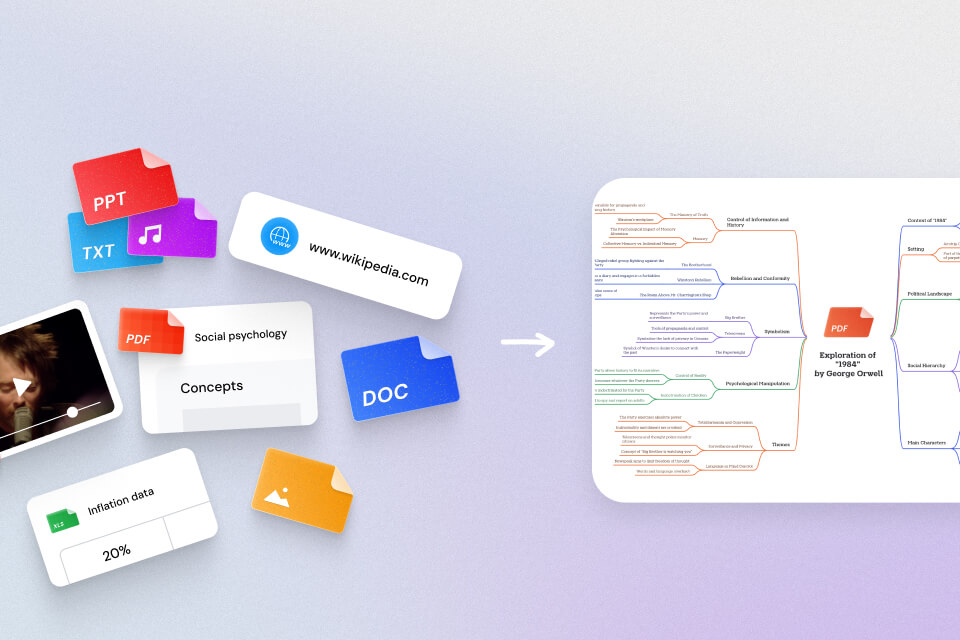
An AI PDF summarizer helps you summarize PDFs into a short overview, key takeaways, or a structured outline, so you can understand a document in minutes instead of reading every page. Many tools now go beyond basic summarization and also support asking questions about a PDF, which is helpful when you need to confirm details, extract specific information, or understand complex sections.
This guide shares seven popular AI PDF summarizer tools and a simple “best for” selection guide, plus a short FAQ to help you choose the right one.
Top 7 AI PDF Summarizer Tools
1) Mapify PDF Summarizer
Mapify is a strong choice if you want your PDF summary to be more than a generic paragraph. It focuses on turning PDF content into structured outputs that are easier to review and reuse, including mind map-style organization. This makes it especially useful for learning, planning, writing, and any workflow where you need a clear structure rather than just a short summary.
Instantly turn your content into mind maps with AI
Get Started NowIt also has OCR and AI chatting functions to help you summarize the PDF content more easily. You can also translate your content into multiple languages and edit text as you want. Except for PDFs, Mapify also supports YouTube videos, audio files, PowerPoints, Word, and other input formats.
Main features
- Summarize PDFs into clear key points and structured takeaways
- Organize information into a more reusable structure, including mind map-style outputs
- Supports question-based exploration so you can go beyond the initial summary
- Export as images, PDFs, Markdown, Xmind, and more formats. And share with others via a link.
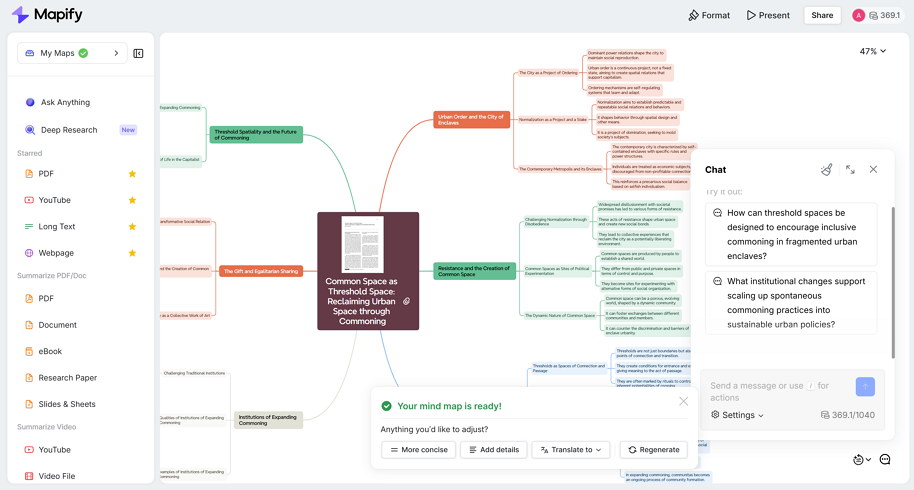
Read more details about how to summarize a PDF with Mapify AI.
2) Smallpdf
Smallpdf is widely known for simple online PDF utilities, and its PDF summarizer is built for speed and convenience. If your goal is a quick overview with minimal friction, Smallpdf is often a practical pick—especially when you already use web-based PDF tools in your daily workflow.
Main features
- Fast PDF summaries with a low-friction workflow
- Designed for quick, everyday PDF usage
- Supports summarizing scanned PDFs
3) NoteGPT
NoteGPT is a good option for users who want more of a “study-friendly” experience rather than a plain TL;DR. It supports multiple ways to use a PDF, including summarization and other transformations, which can be useful if you frequently work with learning materials or want different output styles.
Main features
- Upload a PDF or use a PDF link
- Summarize PDFs and transform content into different formats
- Supports asking questions and mind map-style outputs
4) ChatPDF
ChatPDF is commonly chosen by users who prefer an interactive approach. Instead of stopping at a summary, it lets you continue exploring the document by asking follow-up questions. This can be especially helpful for long PDFs when you need specific answers quickly.
Main features
- Quick PDF summaries without heavy setup
- Q&A workflow to explore details after summarizing
- Supports summarizing scanned PDFs and multiple documents
5) SciSpace
SciSpace is often used for academic and technical PDFs, where summarization is only the first step. It’s geared toward helping you understand research papers by supporting question-based exploration and reading workflows that fit research-style documents.
Main features
- Summaries and Q&A designed for research paper reading
- Helpful for clarifying methods, results, and technical terms
- Includes highlighting paired with question-based exploration
6) Adobe Acrobat AI Summary Generator
Adobe’s AI summary generator is a convenient option if you already rely on Acrobat or prefer an established document ecosystem. It supports multiple document formats, which can be useful if your workflow includes PDFs alongside other file types.
Main features
- Summarize PDFs and other document formats
- Familiar workflow for Acrobat users and teams
- Supports secure handling and saving options based on sign-in
7) Knowt
Knowt is best when your goal is learning retention rather than just comprehension. It’s designed to help students turn content into study artifacts such as notes and flashcards, making it a strong fit for exam prep or repeated review.
Main features
- Summarize PDFs as part of a study workflow
- Create study materials like notes and flashcards from PDFs
- Useful for exam prep and recall-based learning
Comparison Table Among AI PDF Summarizers
| Tool | Best for | Output focus | Ask/Chat with PDF | Scanned PDF support | Study artifacts |
|---|---|---|---|---|---|
| Mapify | Structured understanding | Summary + structured takeaways | Yes | Not specified | Medium |
| Smallpdf | Fast everyday summaries | Quick summary | Not the focus | Yes | Low |
| NoteGPT | Multi-format learning workflows | Summary + transformations | Yes | Not specified | Medium |
| ChatPDF | Interactive exploration | Summary + Q&A | Yes | Yes | Low–Medium |
| SciSpace | Research papers | Summary + research Q&A | Yes | Not specified | Medium |
| Adobe | Acrobat-first teams | Summary across file types | Not the focus | Not specified | Low |
| Knowt | Exam prep | Summary + study artifacts | Not the focus | Not specified | High |
Best For (Quick Picks)
- If you want structured summaries you can reuse, start with Mapify.
- If you want the fastest, simplest summary, choose Smallpdf or ChatPDF.
- If you read research papers, SciSpace is usually the best fit.
- If you’re studying, use NoteGPT for note-like outputs or Knowt for flashcards and exam prep.
- If your team is already Adobe-first, the Adobe Acrobat AI Summary Generator is a convenient option.
Instantly turn your content into mind maps with AI
Get Started NowFAQ
1) Which AI PDF summarizer is best for long PDFs?
For long PDFs, choose a tool that provides both a clean summary and a way to drill down into details. A workflow that supports asking follow-up questions is usually more effective than summary-only outputs. Mapify can help you turn long PDFs into structured mind map summaries quickly.
2) Can AI PDF summarizers handle tables and figures well?
Many tools can summarize surrounding text, but tables and charts are harder. For documents where figures matter, look for tools that help you inspect specific sections and validate details, not just generate a high-level summary.
3) What’s the best AI PDF summarizer for multilingual documents?
If you work with PDFs in multiple languages, prioritize tools that explicitly support multi-language analysis and output so you don’t have to manually translate everything before summarizing.
4) How do I choose between “PDF summarizer” and “chat with PDF” tools?
Use a summarizer when you want a quick overview. Choose chat-style tools when you need to verify claims, extract specific details, or explore complex PDFs interactively. For many users, the best workflow is summary first, then Q&A.
5) What should I look for if I plan to reuse the output for writing or studying?
Prioritize structured outputs like outlines, organized key points, and study artifacts. A good tool should produce summaries that are easy to turn into notes, drafts, or revision materials.
Conclusion
The best AI PDF summarizer depends on your goal. If you want a quick overview, a fast summarizer may be enough. If you need a deeper understanding, tools that let you ask questions can save more time. And if you’re studying, summaries that convert into notes or flashcards often deliver the highest value. For a workflow that emphasizes structured understanding and reusable outputs, Mapify is a strong starting point.
Instantly turn your content into mind maps with AI
Get Started Now


.png)