
.png)

If you’ve seen OpenClaw popping up on X, Hacker News, or in “agentic AI” threads lately, you’re not alone. It’s one of those projects that spreads fast because it promises something people actually want: an AI assistant you can message in the apps you already use—and that can do real work, not just talk.
But here’s the part that confuses a lot of readers (and leads to messy comparisons): OpenClaw is not an AI model. It’s closer to the “plumbing” that lets an AI agent connect to your chat apps and the tools it needs to execute tasks. OpenClaw’s own docs describe model providers separately, which is a good clue that OpenClaw is the runtime/orchestrator, while the LLM is interchangeable.
Also worth mentioning: OpenClaw is trending not only because agents are hot, but because security researchers disclosed a high-severity issue (“ClawJacked”) that raised a broader conversation about how risky it can be to run a tool-using agent on your machine—even when there’s no obvious “malware.”
Let’s break it down in a way that’s easy to explain in a blog post (and easy for readers to search for and understand).
OpenClaw vs. AI Models: What It Is
OpenClaw is not an AI model
An AI model / LLM is the “brain”—Claude, GPT, Gemini, Llama, etc. OpenClaw is the agent gateway/runtime that:
- receives your message from WhatsApp/Telegram/Discord/iMessage (and more),
- routes it to an agent,
- let's have that agent call tools/skills,
- and returns results back into the same chat thread.
OpenClaw’s docs explicitly separate “Model Providers” (how you configure the LLM backend) from channels and features—another strong signal that OpenClaw is the orchestration layer, not the model itself.
A simple analogy that sticks
If you want a memorable explanation for readers:
- LLM = engine
- OpenClaw = car + steering wheel + dashboard + toolbelt
The engine matters a lot, but the car is what lets you go places, use features, and actually get things done.
Instantly turn your content into mind maps with AI
Get Started NowWhat OpenClaw Can Do
OpenClaw is designed around a straightforward idea: use your existing chat app as the interface for an AI agent, and let the agent access tools so it can execute multi-step tasks.
What it can do depends on which tools/skills you enable, but common patterns look like this:
1) Inbox and messaging workflows
- Daily inbox digests
- Summarize threads, extract action items
- Draft replies or propose responses
2) Calendar and planning
- Turn a message like “schedule a 30-min check-in next week” into a calendar action
- Build meeting prep packets from your notes and messages
3) “Do the thing” automations (tools + scripts + APIs)
- Trigger scripts, call APIs, post updates, and generate reports
- Create repeatable workflows you can invoke from chat
4) Research and knowledge capture
- Collect links/notes from chat
- Extract key claims
- Produce a structured summary for downstream use
This “message → plan → tool calls → output” loop is exactly why people find it compelling—and why it’s being discussed in the same breath as “agents.”
Why OpenClaw Is Trending Right Now
1) Agents are the new obsession
A lot of people are tired of AI that only generates text. The market wants AI that executes—and OpenClaw is positioned squarely in that trend.
2) Self-hosted is having a moment
OpenClaw frames itself as something you run on your own device(s), which appeals to builders and privacy-minded users who don’t want every workflow locked behind a hosted SaaS.
3) Security news poured gasoline on the fire
The “ClawJacked” disclosure described a scenario where a malicious website could potentially brute-force access to a locally running OpenClaw instance and hijack the agent (the issue was patched in a released version). That kind of story spreads fast—because it’s a real-world reminder that agents + credentials can create a new security boundary problem.
How OpenClaw Works
At a high level, think of OpenClaw like a router between:
- Your chat app (WhatsApp/Telegram/Discord/iMessage/etc.)
- The agent runtime (OpenClaw gateway + routing)
- A model provider (your chosen LLM backend)
- Tools/skills (APIs, scripts, integrations, file access, etc.)
- Results back to chat
This also explains why OpenClaw is often described as a “gateway”: it’s the control plane that ties channels, models, and tools together.
Instantly turn your content into mind maps with AI
Get Started NowSecurity Reality Check: Running Agents Is Different From Using ChatGPT
This is the section that gives your post real “SEO gravity,” because a big chunk of OpenClaw searches right now are basically: “Is it safe?”
Why agents raise the stakes
Chatbots can be wrong. That’s annoying.
Agents can be wrong and take actions—often with persistent credentials and the ability to install or run third-party skills. Microsoft’s guidance is blunt: OpenClaw should be treated like untrusted code execution with persistent credentials, and is not appropriate to run on standard personal or enterprise workstations.
What “ClawJacked” meant
The ClawJacked reports describe how a malicious website could potentially connect to a locally running OpenClaw instance and brute-force access to take control, leading to data theft risks. The fix was released in a specific version, and the incident became an example of “agent hijacking” risk.
A practical hardening checklist
If you’re going to experiment with OpenClaw (or any local agent runtime), these guardrails are the basics:
- Isolate the runtime: VM/container or separate machine (not your daily driver).
- Least privilege everything: separate accounts, narrow OAuth scopes, avoid admin tokens.
- Lock down networking: bind to loopback by default; don’t expose control ports publicly.
- Treat skills/plugins like executable code: vet before installing; avoid random registries. (Multiple reports highlight malicious “skills” risk patterns.)
- Rotate credentials + monitor actions: logging, alerts, and a rebuild plan matter.
If you include just one “boxed callout” in your article, make it this checklist. It’s the part readers will share.
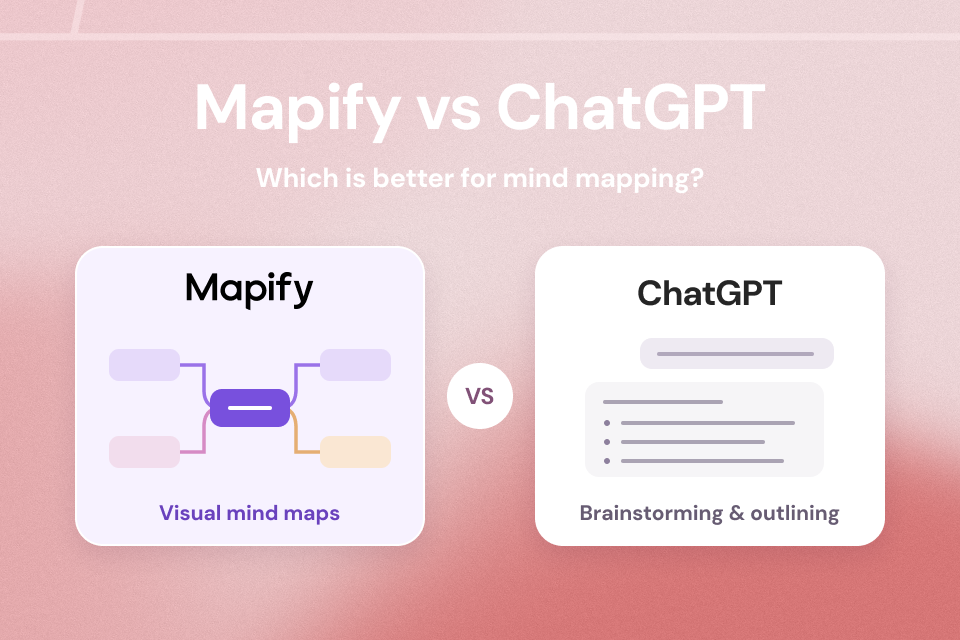
Mapify vs OpenClaw: Where Each One Fits
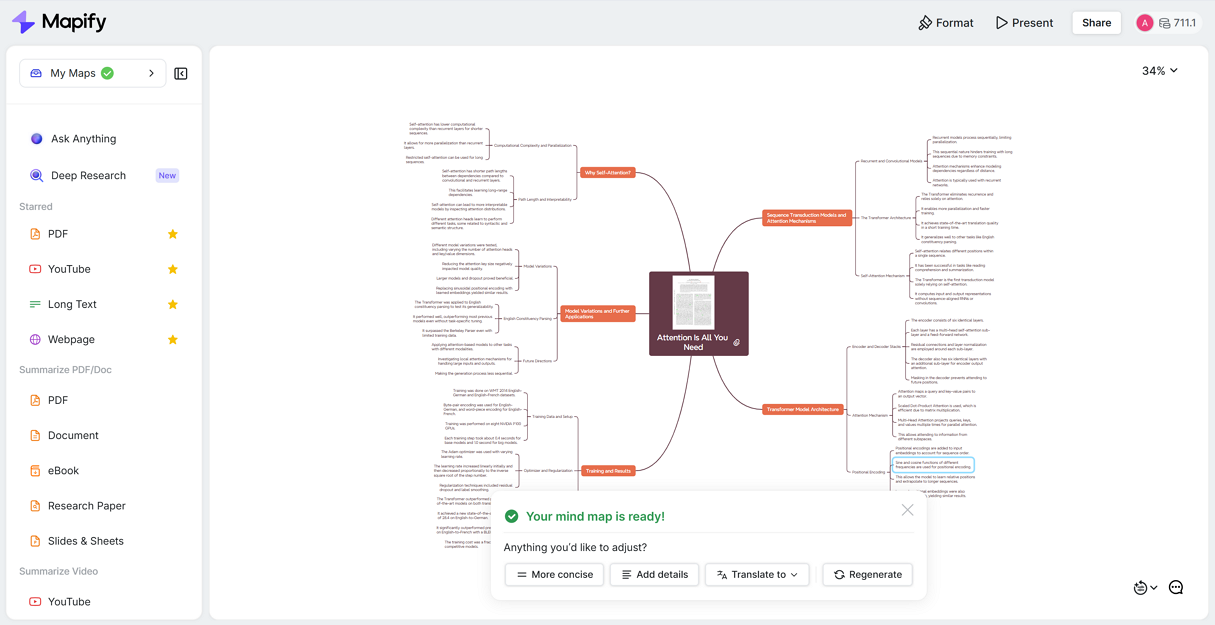
Mapify is an AI summarizer that turns long, messy content into a clear and structured mind map so you can understand information faster and actually reuse it later. It’s especially strong for everyday knowledge workflows like email summaries, YouTube video summaries, web articles, documents, and research notes. You paste content (or import it), Mapify extracts the key points, decisions, and action items, and organizes them into a structure you can skim, share, and build on. You can also use the Deep Research function to get a cited report with a synced mind map. It also has a browser extension to help you summarize content more easily, and integrates MCP and n8n to make your workflow more intelligent.
Instantly turn your content into mind maps with AI
Get Started NowOpenClaw, on the other hand, is designed for a different job. It’s a self-hosted AI agent gateway that connects chat apps to tool-using agents, so it shines when you want an assistant to execute actions across systems (automation, tool calls, integrations) rather than just summarize content.
How to choose (simple rule)
Choose Mapify if your goal is summarizing + organizing information
- You mainly need “turn this email / YouTube / doc into structured notes.”
- You want a lightweight workflow that’s easy to adopt.
Choose OpenClaw if your goal is automation + execution
- You want “do the thing” workflows triggered from chat.
- You’re comfortable with self-hosting, configuration, and the extra security considerations that come with an agent runtime.
Should You Use OpenClaw? A Quick Decision Guide
Use it if:
- you’re comfortable self-hosting,
- you can run it in a sandboxed environment,
- you want chat-based task execution across tools.
Be cautious (or keep it strictly experimental) if:
- you’d need to attach high-value personal/work accounts,
- you can’t isolate the runtime from your primary workstation,
- you’re likely to install unvetted third-party skills.
Closing Thoughts
OpenClaw is trending because it represents the direction a lot of AI is moving: from answers to actions. And it’s also trending because it highlights the uncomfortable truth about agents: once you give software the ability to act on your behalf, especially with persistent permissions, you’ve created a new kind of security boundary.
Instantly turn your content into mind maps with AI
Get Started Now

.png)