


Studying in 2026 looks very different from a few years ago. Instead of rewriting chapters into handwritten notes, many learners now use AI tools to turn messy materials like PDFs, slides, lecture transcripts, and web pages into structured study guides in minutes. The goal isn’t to “study less,” but to study smarter: reduce setup time, stay organized, and focus on the parts that actually move your grades or performance.
In this guide, you’ll find 10 AI study guide makers that help convert raw content into summaries, outlines, and practice materials. Each tool has a slightly different strength: visual mapping, writing support, research-based Q&A, or quiz generation, so you can pick one that fits your learning style and your workload.
What is an AI Study Guide Maker
An AI study guide maker is a learning tool that transforms raw educational content into organized, exam-ready study guides. It breaks down content, identifies key concepts, and structures information into summaries, outlines, and practice materials. Reducing manual effort, it helps students revise and memorize more efficiently.
Typical Inputs
- Text notes or copied passages from textbooks, articles, or personal study documents
- PDF files, including textbooks, research papers, lecture slides, and existing study guides
- Presentation slides and lecture materials (PowerPoint or similar formats)
- Lecture transcripts or audio/video sources (via YouTube links or transcript tools)
- Web links and digital resources, sometimes including images or screenshots for summarization
Typical Outputs
- Structured study guide sections with headings, subtopics, and logically ordered outlines
- Key concepts, definitions, and key term lists highlighting what learners must understand
- Practice materials, including quizzes, questions, and flashcards, to support active recall
- Exportable formats such as PDFs or documents for saving, printing, or sharing
Instantly turn your content into mind maps with AI
Get Started NowBest Free AI Study Guide Makers
Before diving into the tools, it helps to know what “best” typically means here: clear structure, fast automation, and outputs you can actually study from. The tools below offer a strong mix of usability and learning value, especially with free tiers or free trials.
1. Mapify (Free)
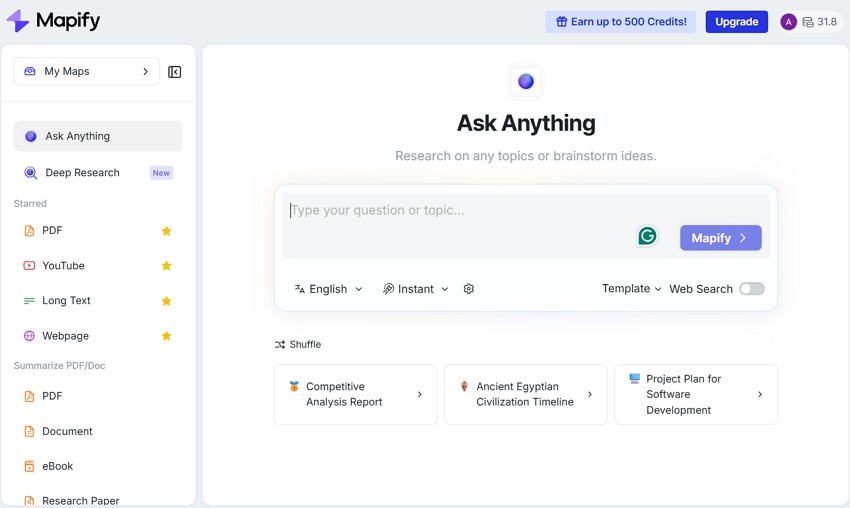
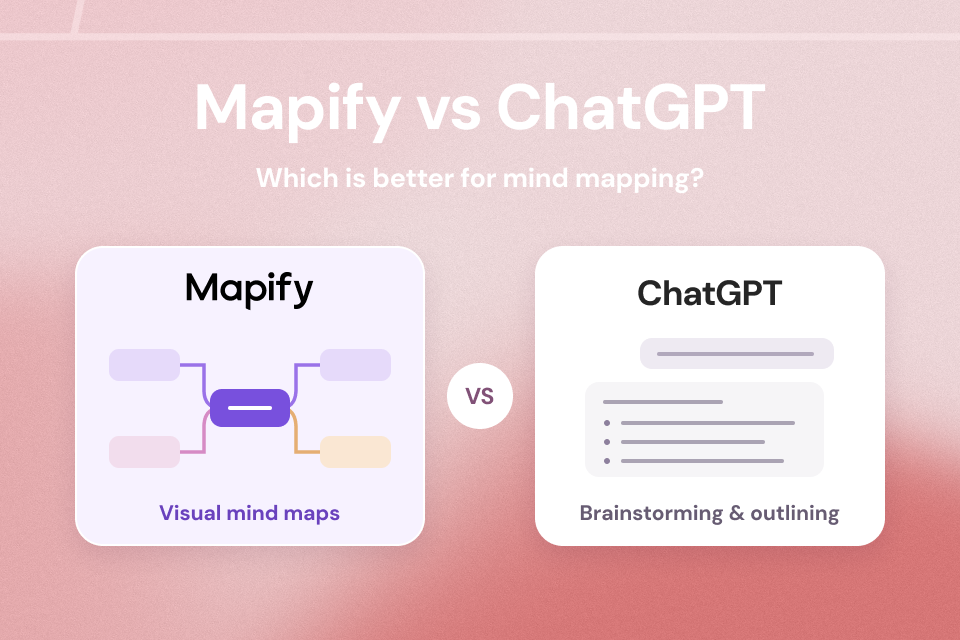
Mapify is a visual-first AI study guide maker that converts complex learning materials into clean, structured mind maps. Instead of long blocks of text, it highlights how ideas connect—useful for subjects that require hierarchy, relationships, and quick conceptual clarity during revision.
Mapify can process PDFs, notes, videos, and links to generate interactive study layouts. You can edit nodes, rearrange topics, and export guides for offline use. Its free plan makes it a solid choice for students who prefer visual learning without a complicated setup.
Key Features
- Automatically converts content into visual, topic-based mind maps & concept maps for study.
- Accepts PDFs, documents, images, page links, podcast, and YouTube lecture files.
- Allows users rearrange nodes for a clearer personalized structure.
- Download mind maps as PDFs, markdown, Xmind files, images, and share via a link.
- Translate to multiple languages for global studying.
Best For: Visual learning, suammarization, deep research
Instantly turn your content into mind maps with AI
Get Started Now2. NoteGPT
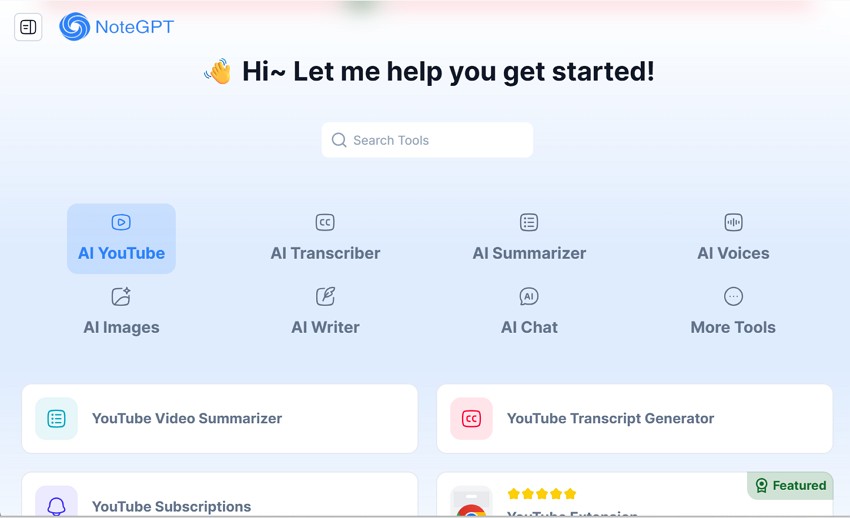
If you want an interactive study guide maker, NoteGPT tool focuses on turning long notes and documents into concise, structured study guides. It simplifies dense academic content into summaries and key points, helping students revise faster—especially for text-heavy subjects and quick exam prep.
Key Features
- Converts YouTube videos or audio into text transcripts with timestamps.
- Creates flashcards and simple quizzes from processed notes.
- Generates customizable structured notes tailored to user preferences.
Best For: Summarization
3. Jenni AI
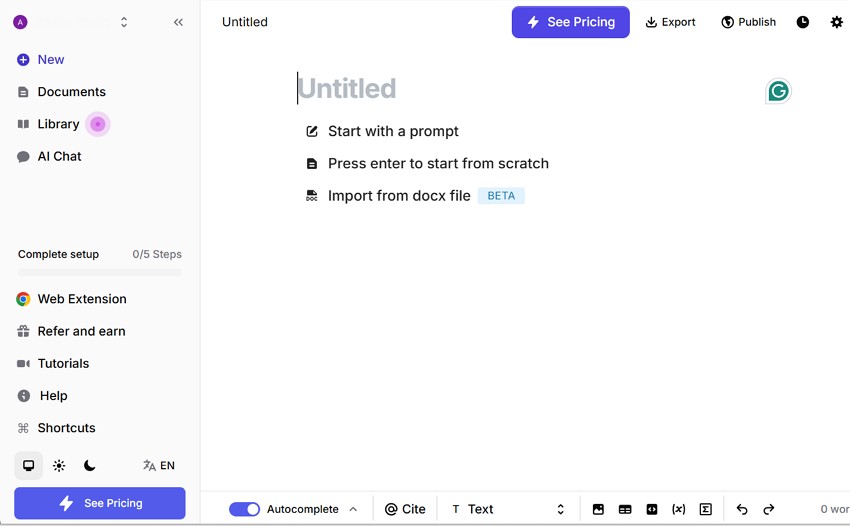
Jenni AI study tool helps students turn rough or messy notes into organized study aids. It emphasizes coherence, a more formal writing style, and logical structure, making it useful for essay-based subjects. It can also support students who want help expanding short notes into clearer paragraphs.
Key Features
- Supports in-text citations and reference management for academic writing.
- Offers a distraction-free writing editor for focused sessions.
- Expands rough notes into coherent academic paragraphs with guided assistance.
Best For: Writing
4. NotebookLM
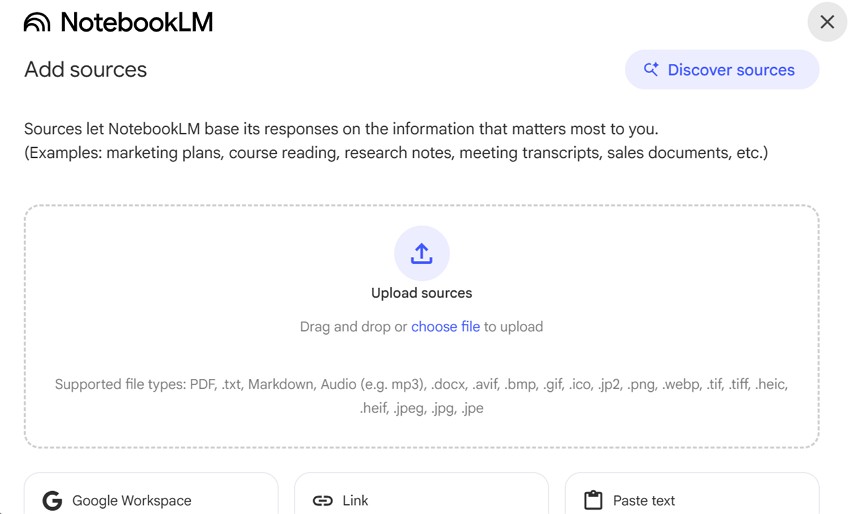
When students are dealing with large documents and scattered notes, Google NotebookLM (Google’s AI notebook) is designed for research-driven studying. It analyzes uploaded documents, creates summaries and explanations, and provides source-based answers. Students can ask questions directly from their materials, which helps with deep learning and reference-heavy subjects.
Key Features
- Responds primarily using uploaded documents, reducing reliance on outside sources.
- Enables question answering based only on the provided study materials.
- Integrates smoothly with Google Drive and other Google tools.
Best For: Research
5. Quizlet
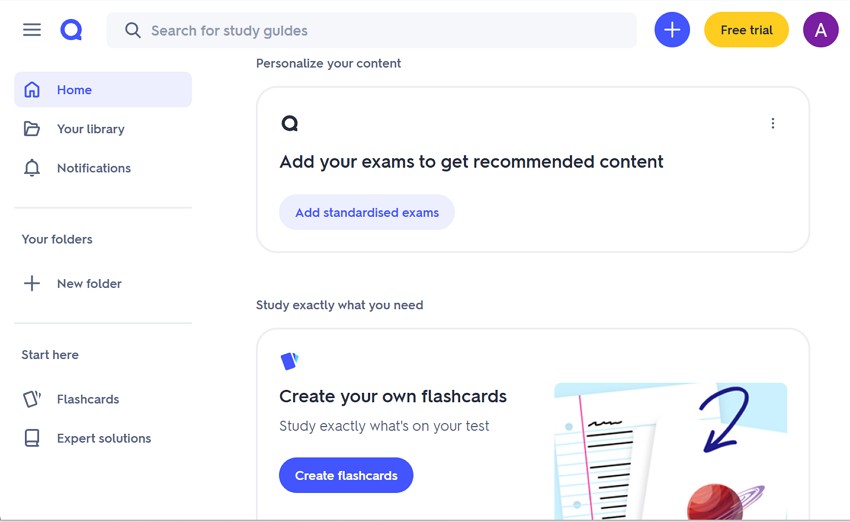
Quizlet is a widely used online study tool that turns notes into flashcards, quizzes, and practice sets with AI support. Its learning approach emphasizes repetition and self-testing. It is often used to memorize terms, definitions, and concepts—especially for recall-heavy exams.
Key Features
- Generates practice quizzes for self-testing and exam preparation.
- Uses spaced repetition to support long-term memory retention.
- Syncs study progress across web and mobile.
Best For: Practice
6. Coral AI
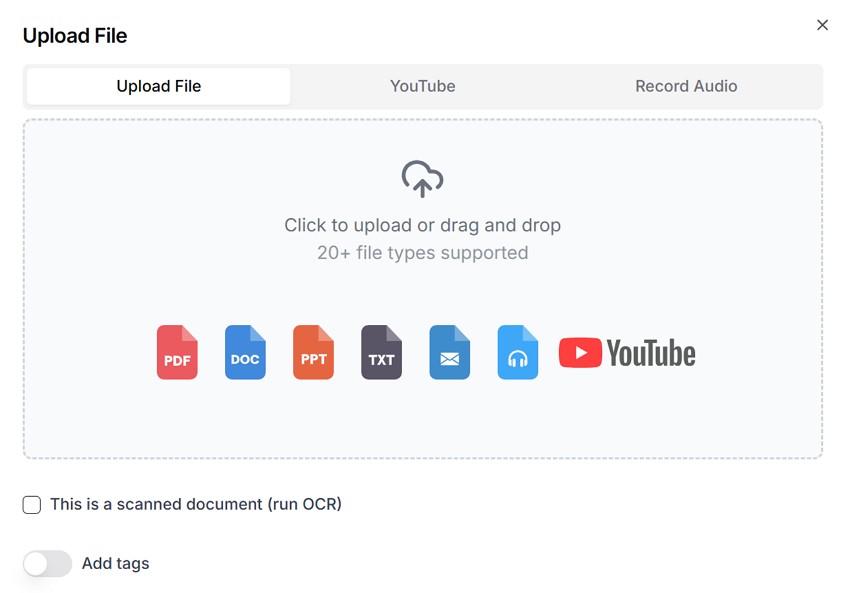
Coral AI is a free AI study guide generator designed for structured academic workflows. It converts PDFs, DOCX files, PPTX slides, and plain text into concise summaries, custom questions, and practice quizzes. Its multilingual support makes it useful for international learners, and it also supports citation-aware generation for academic accuracy.
Key Features
- Adjustable output depth for quick reviews or detailed study prep.
- Batch processing to generate study guides from multiple files.
- Structured section hierarchy for improved readability.
Best For: Academic workflow
7. OpExams
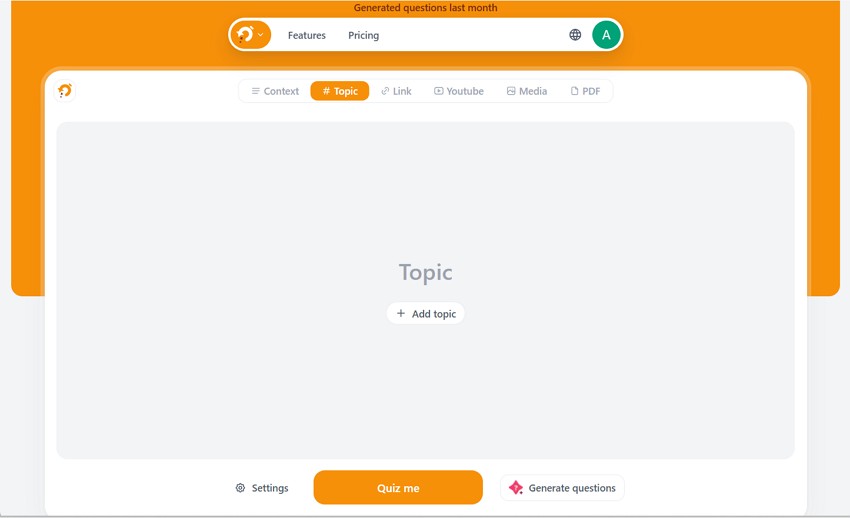
OpExams is built around assessment-driven learning. It lets users generate quizzes and structured question sets from topics or uploaded text. Performance analytics help track progress, while multilingual support and export options like CSV, XLSX, and DOCX make reuse more flexible.
Key Features
- Customize question difficulty (beginner, intermediate, advanced).
- Reusable question banks for long-term study planning.
- Instructor-style controls for organizing assessments across subjects.
Best For: Assessments
8. Questgen
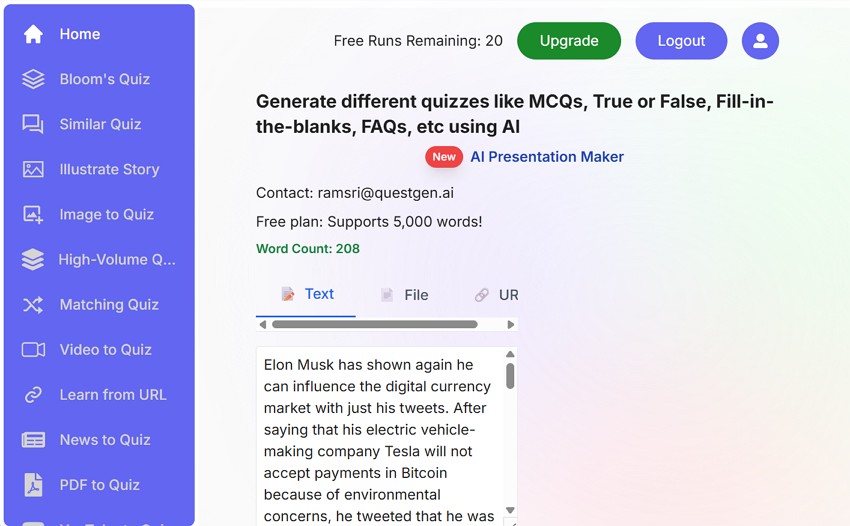
Questgen is designed around Bloom’s Taxonomy, making it a good fit for outcome-based learning. It converts text, PDFs, images, videos, and audio into question banks. It supports multiple question types and exports to PDF or LMS-friendly formats like QTI and GIFT.
Key Features
- Outcome mapping to align questions with learning objectives.
- Manual refinement to improve accuracy and curriculum relevance.
- Group questions by cognitive complexity for progressive learning.
Best For: Curriculum-aligned study
9. AIFreeBox
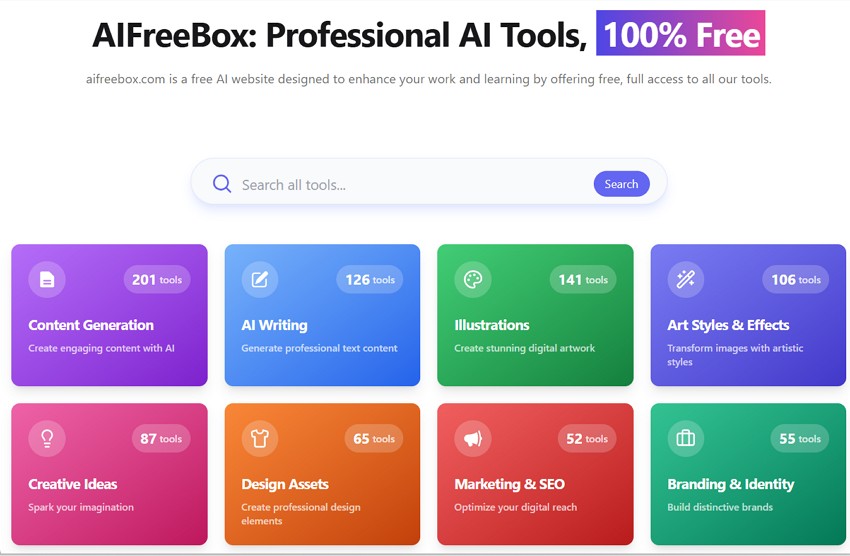
Built for simplicity, this browser-based tool turns notes, articles, or textbook content into structured study guides. It creates summaries, quizzes, and simple study plans by extracting main points and practice questions—useful for quick revision when you don’t want extra setup.
Key Features
- Lightweight access without requiring account creation.
- Fast copy-paste workflow for instant guides.
- Minimal layouts to reduce overwhelm for early-stage learning.
Best For: Simple revision
10. QuizGecko
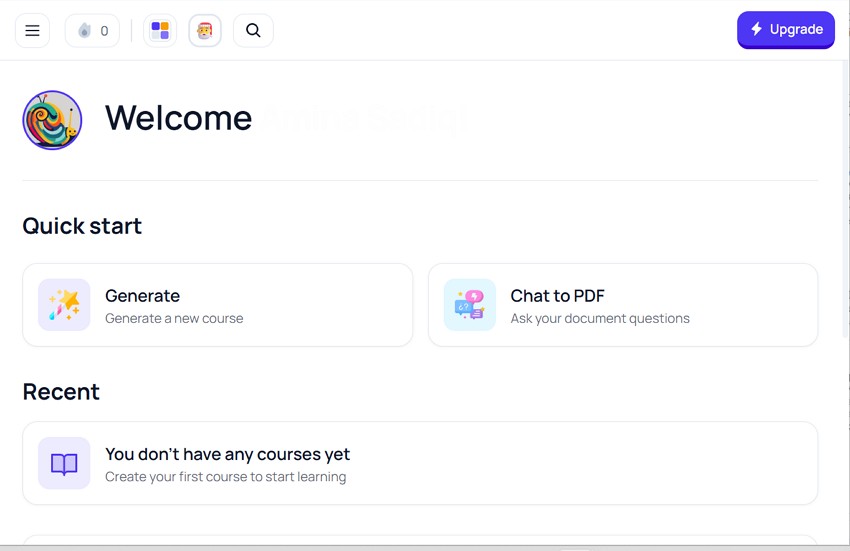
QuizGecko supports active recall learning by converting text, web links, or uploaded documents into quizzes and practice questions. It supports MCQs, true/false, short answer, and fill-in formats. It can handle large inputs, which makes it useful for long chapters or big study packs.
Key Features
- Choose question formats (including matching and multiple choice).
- Export quiz content as text or CSV for reuse or LMS integration.
- Creates interactive flashcards and quizzes for deeper recall.
Best For: Active recall learning
Final Thoughts
As course loads and information volume keep growing, the biggest challenge in 2026 isn’t finding material—it’s organizing it into something you can actually revise. AI study guide makers help by turning PDFs, notes, slides, and transcripts into structured guides, key concepts, and practice questions that support faster, more focused study.
The best tool depends on how you learn. If you prefer visual structure and want to see how concepts connect, Mapify is a strong pick thanks to its mind map-based guides, flexible inputs, and easy exports. If your priority is quizzes, writing help, or research-style Q&A, the other tools above may fit better. The key is choosing the platform that matches your study habits—then using it consistently to make revision simpler and more repeatable.
Instantly turn your content into mind maps with AI
Get Started Now


.png)