

As information becomes more complex, simply listing ideas is often not enough. In learning and work, people need ways to see how concepts connect and influence one another. Concept maps help turn scattered information into clear visual structures that make relationships easier to understand.
Today, many digital tools offer concept mapping features designed for different workflows, from studying and planning to team collaboration. This guide highlights the top 6 concept map creators and explains what each tool does best, helping you choose the right option for your needs.
What Is a Concept Map and Common Types
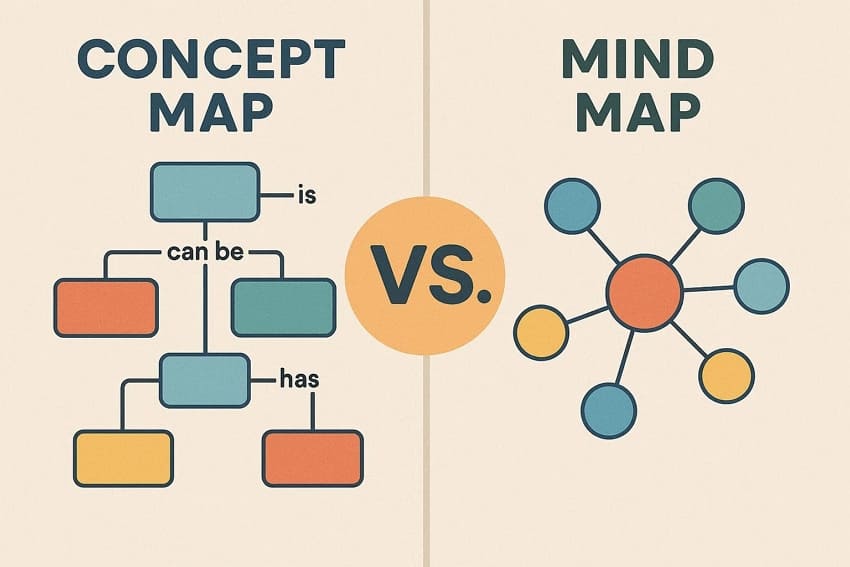
A concept map, similar to a mind map, is a graphic illustration that is used to present ideas and demonstrate significant relationships. It introduces the concepts as nodes linked by labelled edges that represent relationships among ideas. Using a concept map generator, learners simplify complex topics, improve comprehension, and structure information effectively.
Instantly turn your content into mind maps with AI
Get Started NowCommon Types of Concept Maps
Now that the idea of a concept map is clear, let’s look at its most common types below:
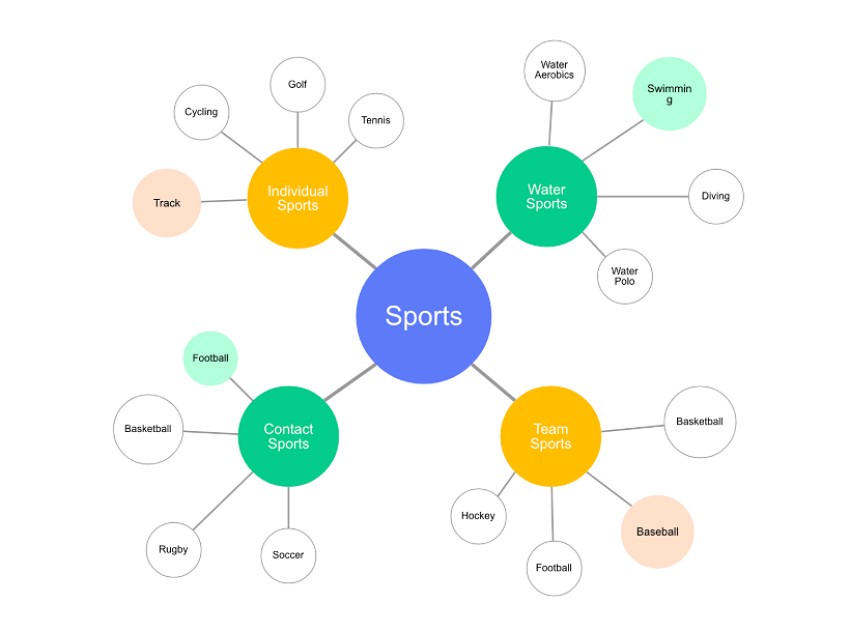
1. Spider Concept Maps
Built around a single central topic, this map spreads related ideas outward like branches. Each sub-concept connects directly to the main idea, making relationships easy to spot. It is suitable when one wants to brainstorm, plan early, and have multiple ideas in a short period of time.
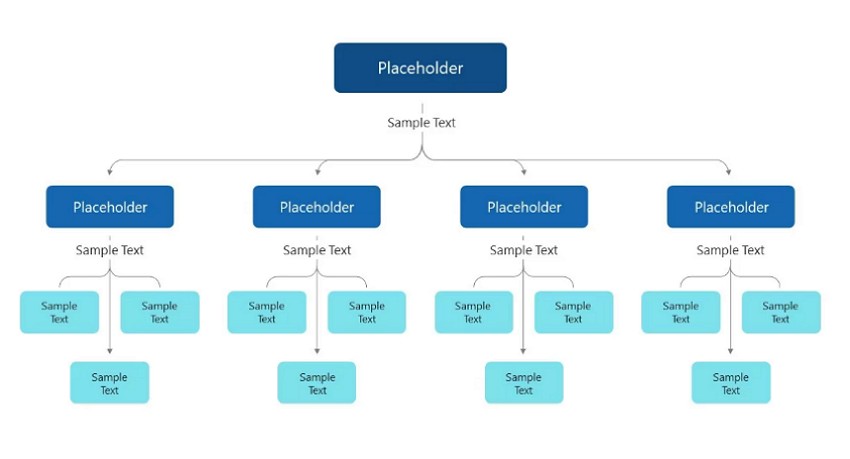
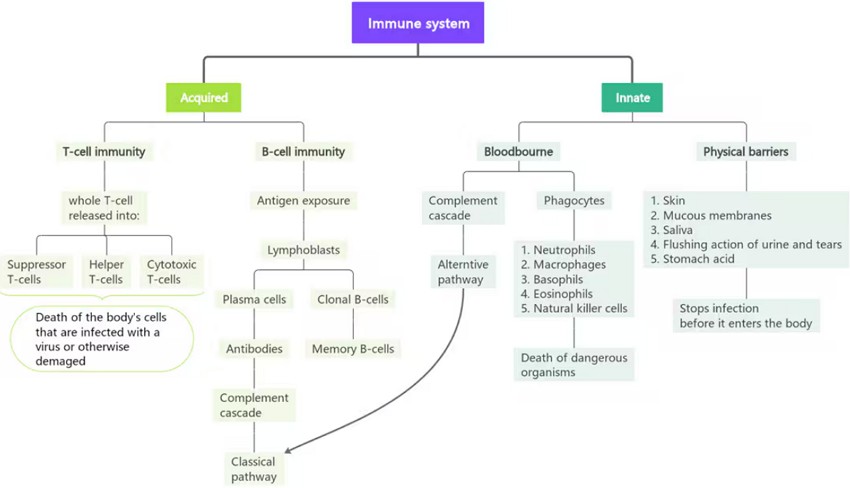
2. Hierarchical Concept Maps
Information flows from broad themes into increasingly detailed subtopics arranged in levels. This structure clearly shows priority, classification, and logical order. It is commonly used for academic outlines, taxonomies, and subjects where concepts depend on levels.
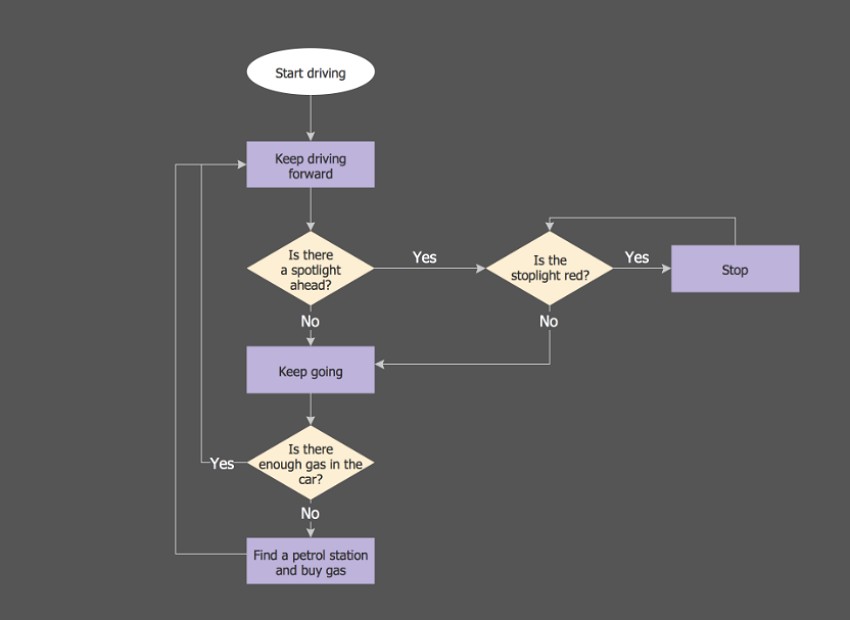
3. Flowchart Concept Maps
It is a process approach that takes the reader through the actions, choices, or consequences. In addition, the arrows within this concept map have a direction and sequence, making it clear. This format is effective for explaining procedures, workflows, algorithms, and processes where order determines results.
4. System Concept Maps
In this concept map, multiple elements connect across the map, showing interactions rather than linear progression. Furthermore, concepts link in multiple directions, mirroring how real systems interact and change. This type suits ecosystems, organizational structures, or technical systems where components continuously influence one another.
6 Best Concept Map Creators
Once you understand how concept maps improve clarity and retention, choosing the right tool becomes essential. The following platforms stand out for different needs, workflows, and learning styles:
1. Mapify
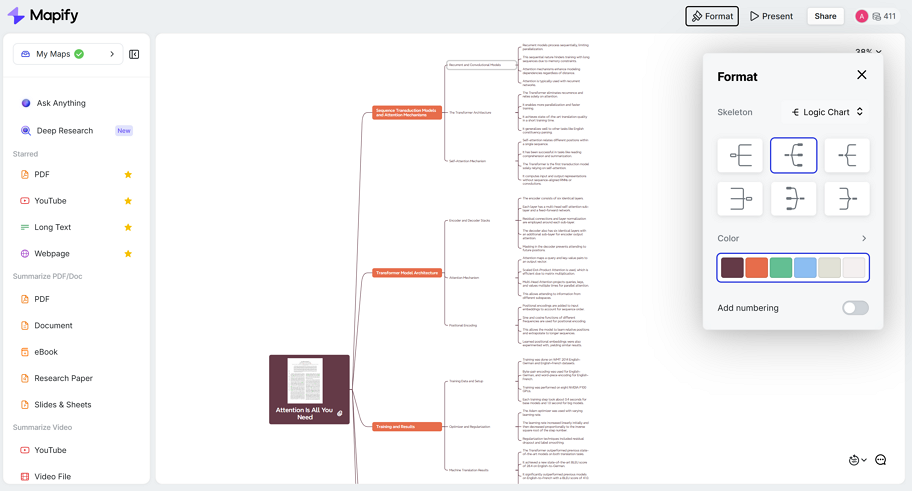
Instead of starting from a blank canvas, Mapify begins with the content itself. When you upload a PDF or open a long webpage, the tool automatically organizes the information into a clear visual structure, showing how ideas relate without requiring manual setup.
This approach is especially helpful when working with dense or unfamiliar material. By turning text, videos, or spreadsheets into structured maps, Mapify allows users to focus on understanding and refining concepts rather than arranging nodes. It works well for studying, research, and planning when clarity matters more than diagram design. In addition, you can also choose mind maps for better understanding.
Key Features
- Content-First Mapping: Automatically turns PDFs, webpages, and videos into structured concept maps, instead of starting from a blank canvas.
- Automatic Relationship Detection: Identifies key concepts and their connections without requiring manual linking or layout work.
- Multi-Format Input: Supports mixed content types like documents, webpages, and videos, which most concept map tools don’t handle natively.
- Interactive Expansion: Lets users explore and refine concepts by expanding nodes and asking follow-up questions inside the map.
- Easy Sharing & Export: Allows quick sharing and exporting to formats like PDF, image, or XMind for study and collaboration.
Instantly turn your content into mind maps with AI
Get Started Now2. Miro
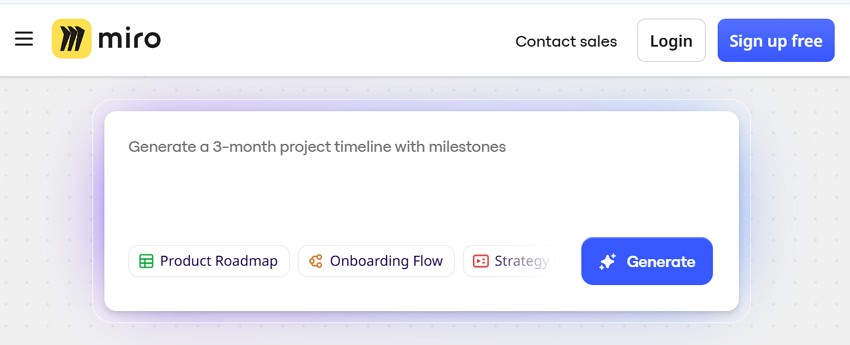
Picture a shared digital workspace where ideas move freely during discussions and workshops. This environment supports teams that value collaboration and visual thinking over rigid structures. Concepts can be added, rearranged, and linked instantly, making it an effective map concept maker. Moreover, real-time collaboration, templates, and presentation tools help teams stay aligned efficiently.
Key Features
- Infinite canvas enables dragging nodes, connecting ideas, and aligning elements quickly during mapping sessions.
- Prebuilt concept map templates reduce setup time and standardize diagram structures effectively.
- Live collaboration supports comments, mentions, video calls, and presentation sharing for teams.
3. Lucidchart
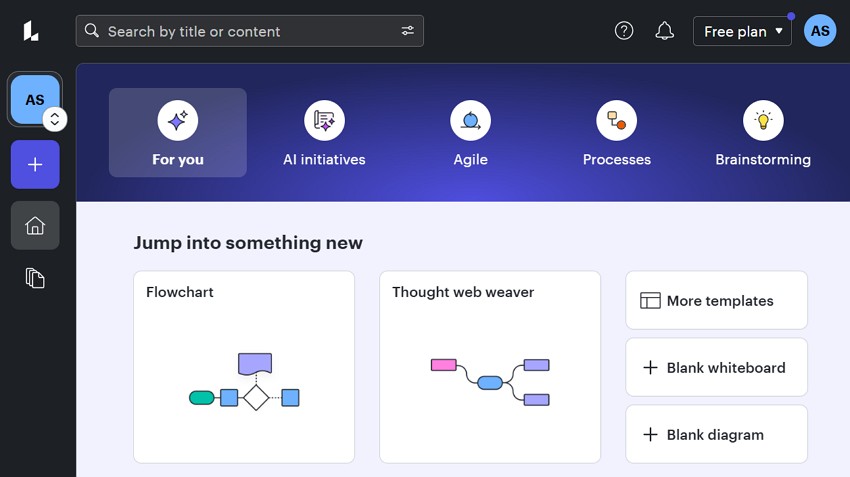
For users who value precision and structure, this platform emphasizes clarity and organization. Concepts use labelled connectors and hierarchical layouts, making relationships easy to follow. Therefore, many users choose it to create a concept map online for free with professional formatting. In addition, consistent templates, formatting controls, and workspace integrations support reliable diagram creation.
Key Features
- Drag-and-drop shapes and arrows create precise concept maps with labelled connections.
- Formatting tools support hierarchy, connector text, and consistent visual structure.
- Collaboration and export features allow sharing diagrams across documents and platforms.
4. Coggle
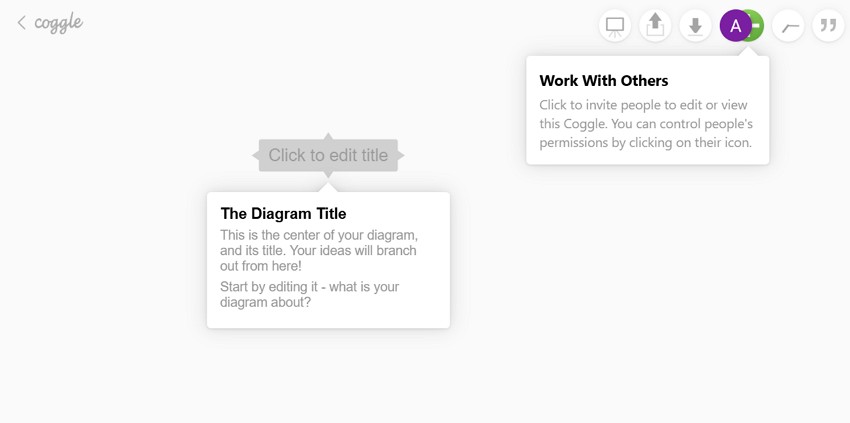
Clarity often improves when ideas remain simple and easy to follow. Therefore, this tool helps users quickly expand ideas from a central concept while keeping layouts clear. Moreover, cross-links connect related ideas across branches, supporting deeper understanding. As a concept map generator, it suits students and small teams. Above all, automatic saving, collaboration, and visual highlighting keep maps organized and readable.
Key Features
- Central nodes expand into unlimited branches for rapid visual idea development.
- Cross-links connect distant concepts, enabling deeper relationships across map sections.
- Automatic saving and real-time collaboration prevent data loss during editing.
5. Xmind
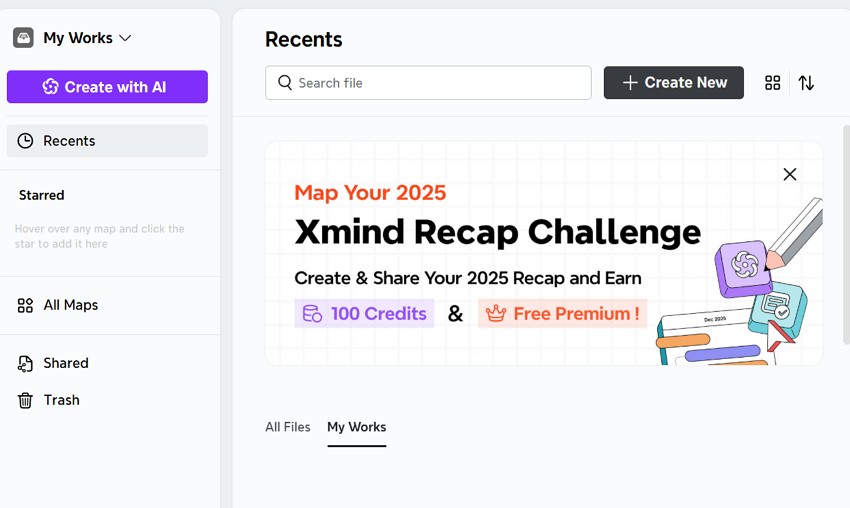
Some projects grow beyond quick sketches and need a tool that adapts as thinking evolves. This platform allows ideas to shift between different layouts without starting over, which saves time. Connections, summaries, and visual boundaries make complex plans easier to manage. With presentation support, detailed notes, and cross-device access, it naturally supports sustained academic and professional work.
Key Features
- Offers multiple structure support concepts: trees, logic charts, and timelines.
- Provides relationship lines, summaries, and notes add context to complex concept maps.
- Its presentation mode converts maps into slides without rebuilding content.
6. MindMeister
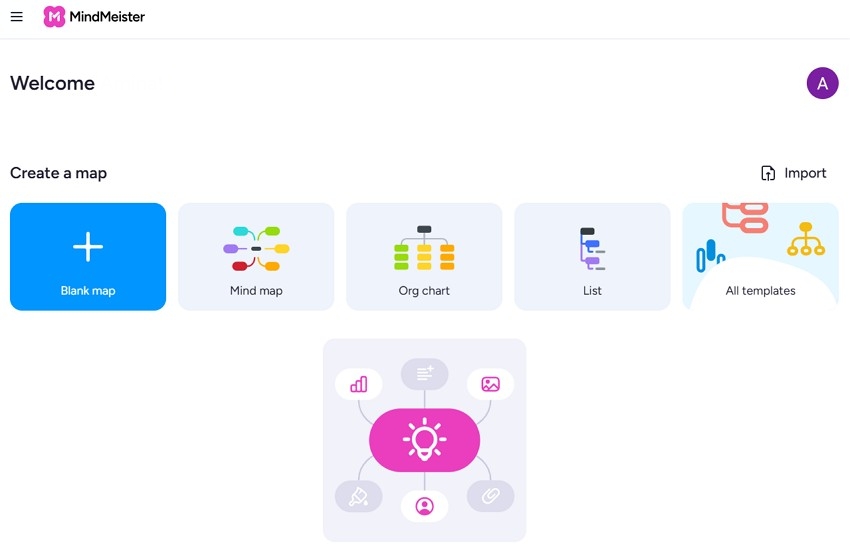
In fast-moving group sessions, ideas need to evolve together rather than individually. This tool emphasizes shared creation, enabling teams to expand, comment on, and vote on ideas in real time. Rich attachments add context directly to concepts. It remains a popular concept map maker for free choice in classrooms and collaborative planning. Additionally, real-time editing, media attachments, and task conversion tools support interactive concept development.
Key Features
- Real-time editing allows multiple users to build and refine maps together.
- Attachments add files, images, videos, and links directly to concepts.
- Task management turns concept nodes into actionable items and workflows.
Final Thoughts
Concept maps remain a useful way to organize ideas, especially when information feels layered or difficult to follow. The right concept map creator can help clarify relationships, support memory, and make planning more intentional.
Different tools suit different goals, whether you need quick brainstorming, structured analysis, or collaborative mapping. For users working with complex or mixed content, Mapify offers a practical option by turning documents, webpages, and videos into clear visual maps, allowing you to focus more on understanding ideas than arranging them.
Instantly turn your content into mind maps with AI
Get Started Now


.png)